Runs on-device · Nothing ever uploaded
There’s no snooze button.
Only push-ups.
Unsnoozable is the alarm you can’t talk your way out of. It keeps ringing until your camera has counted every rep on your phone, at 6 a.m., when arguing with yourself is all you want to do.
iPhone · iOS 26 and later. Your first morning is free.
The app
This is the whole thing.
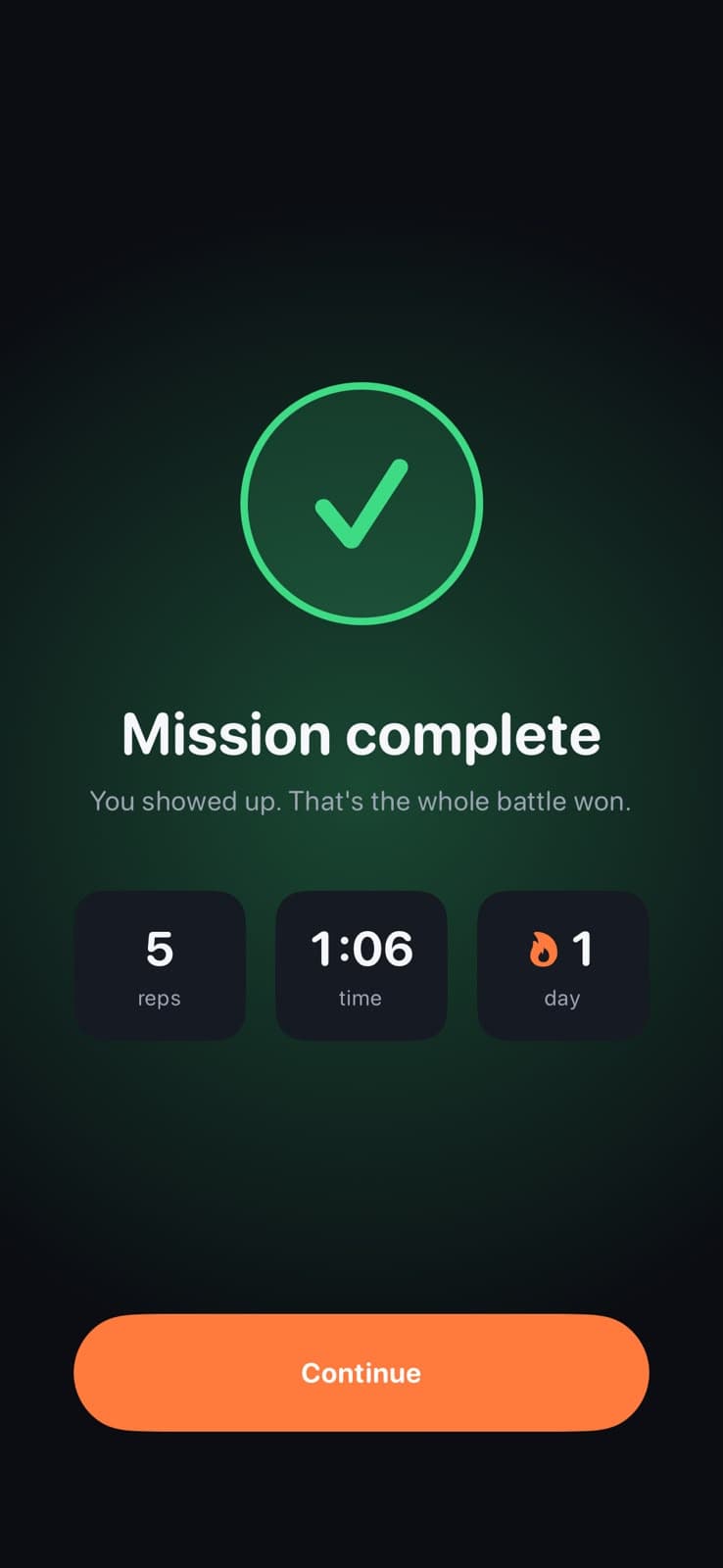
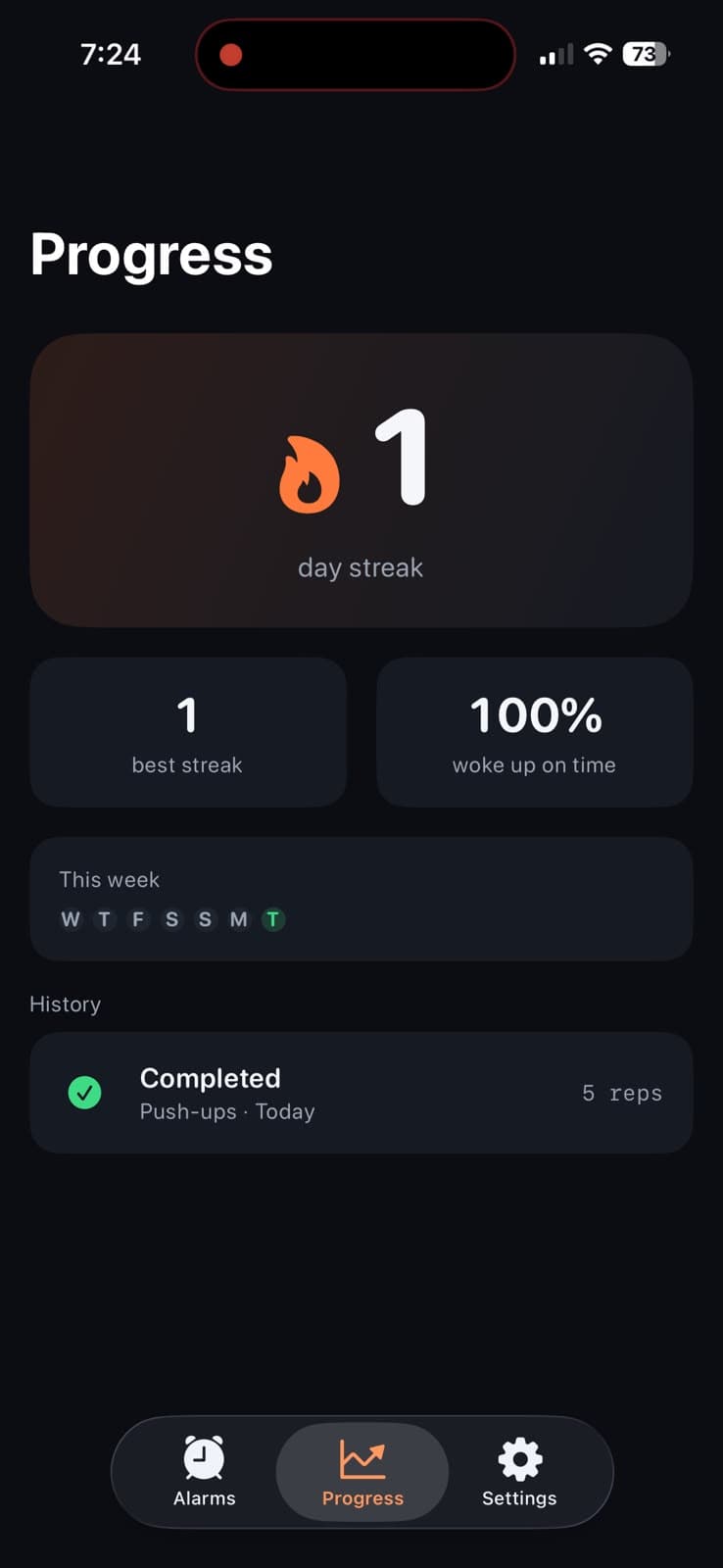
No dashboard to learn, no feed to scroll. An alarm, a mission, and the streak you build by actually getting up.
Set it tonight
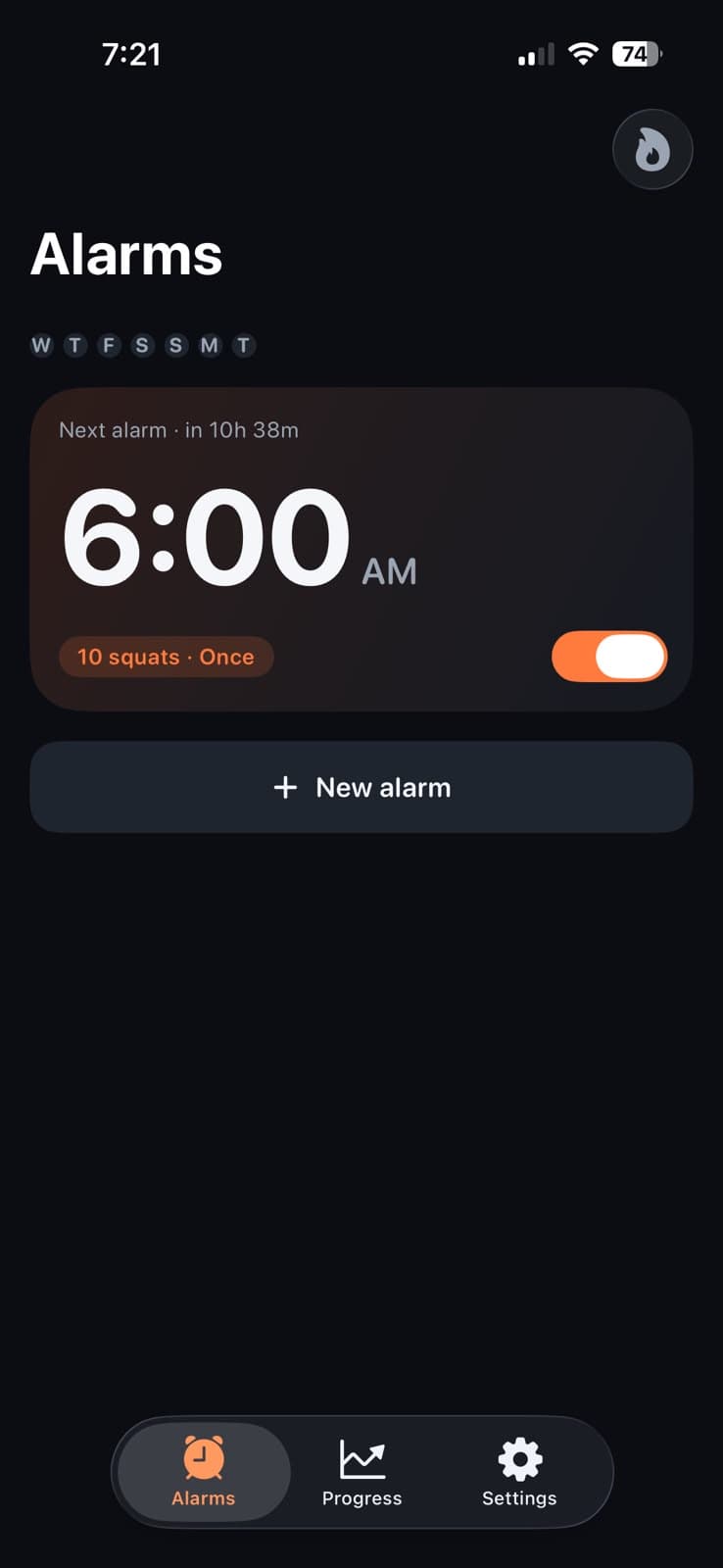
A time, a mission, how many reps. Thirty seconds and you're done.
The problem
Snoozing isn't weakness. It's chemistry.
Which is why willpower keeps losing, and why an alarm that makes you move works where a louder one doesn't.
Up to 4×
worse cognition just after waking
Sleep inertia is the grogginess in the first minutes after an alarm. At its worst it impairs you more than being legally drunk — which is exactly when you decide to hit snooze.
9 minutes
that make it worse, not better
Snoozing drops you back toward sleep you can't finish, then rips you out of it again. You wake up groggier than if you'd got up the first time.
2 things
that actually kill grogginess
Movement and light. A mission gets you moving — and because the camera needs to see you, you end up turning a light on too. Both, before you've decided anything.
Sources: Cleveland Clinic, Rise Science. If you’re chronically short on sleep, the real fix is going to bed earlier — no alarm can undo that.
Why it's different
Built for the worst moment of your day.
6 a.m. Dark room. Half awake. That's when most alarm apps fail you — and it's the only moment that actually matters.
It actually rings
A real system alarm — the same mechanism the built-in Clock app uses. It cuts through silent mode, Focus and a locked phone, and force-quitting the app doesn't stop it.
You can see it counting
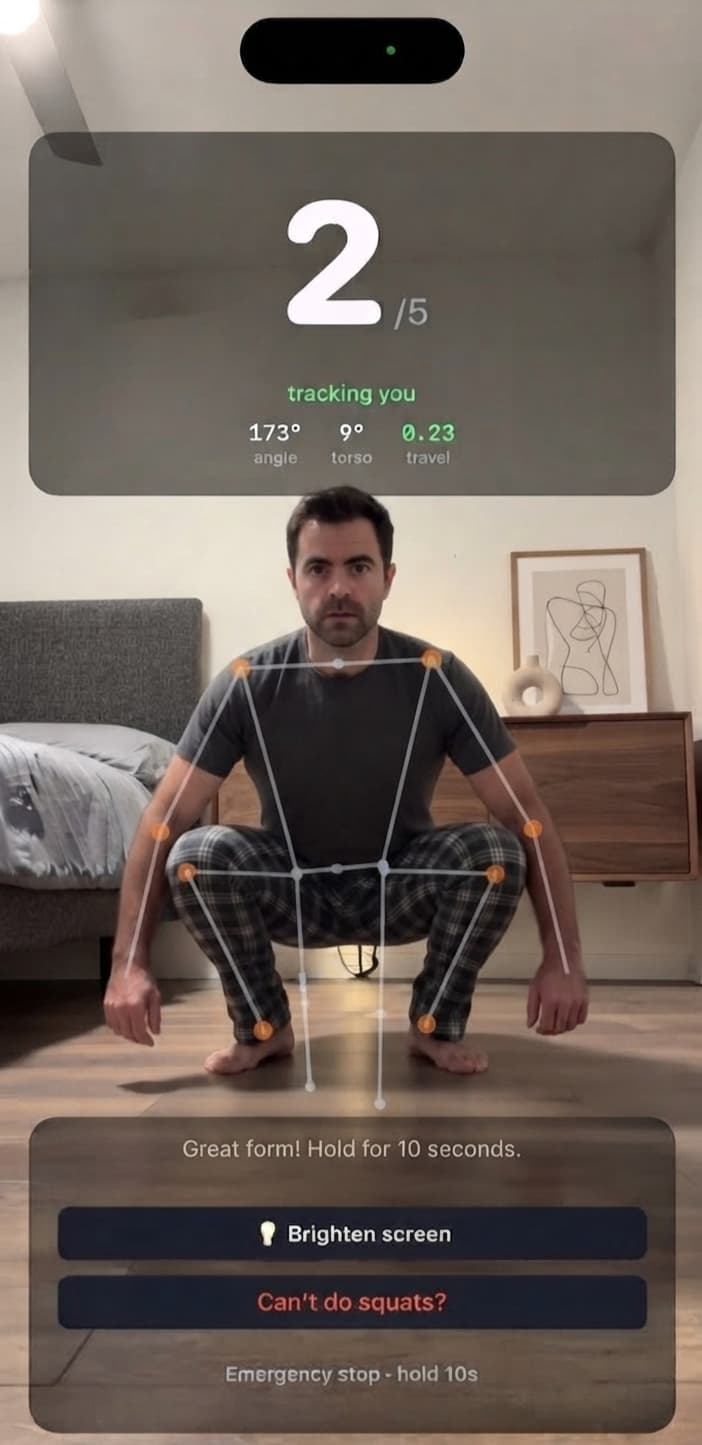
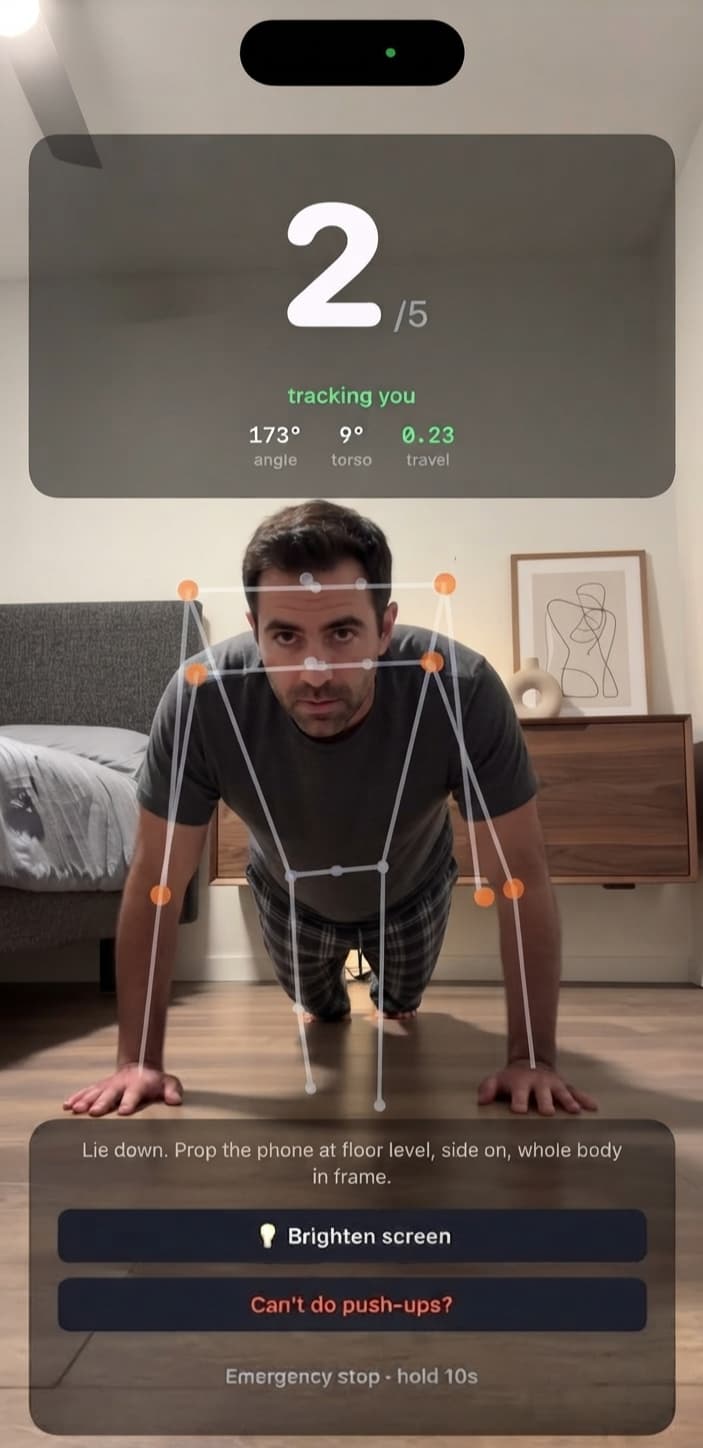
Nothing is worse than doing ten push-ups and being told you did seven. The skeleton it's tracking is drawn on screen as you move, so you can see it working — and when a rep doesn't count, you can see why.
It never traps you
Sprained wrist? Hotel room with no floor? There is always a way out — a genuine one, not “delete the app”. Hard to ignore, never impossible to finish.
Your camera stays yours
Frames are analysed on your device and thrown away immediately. Never uploaded, never stored, never seen by anyone. There is no server to leak them, because there is no server.
A real emergency exit
A recovery code you save when you set up. If a morning goes genuinely wrong, it stops the alarm. Forget it and you are still not stuck — the alarm gives up after three minutes.
Travel mode
Going away? Pause every alarm for a few days. They turn themselves back on the morning you return, so you cannot forget to re-arm them.
Compared
Every one of these is someone's 1-star review.
We read them — the lockouts, the alarms that didn't ring, the uploads. This list is that reading, turned into a product.
Questions
Fair enough.
The things people ask before they trust an alarm.
Can I just close the app?
No. Unsnoozable uses Apple's alarm system — the same one the built-in Clock app uses — so it rings through silent mode, Focus and a locked phone. Force-quitting the app doesn't stop it, and dismissing the alarm brings it straight back.
What if I physically can't do push-ups?
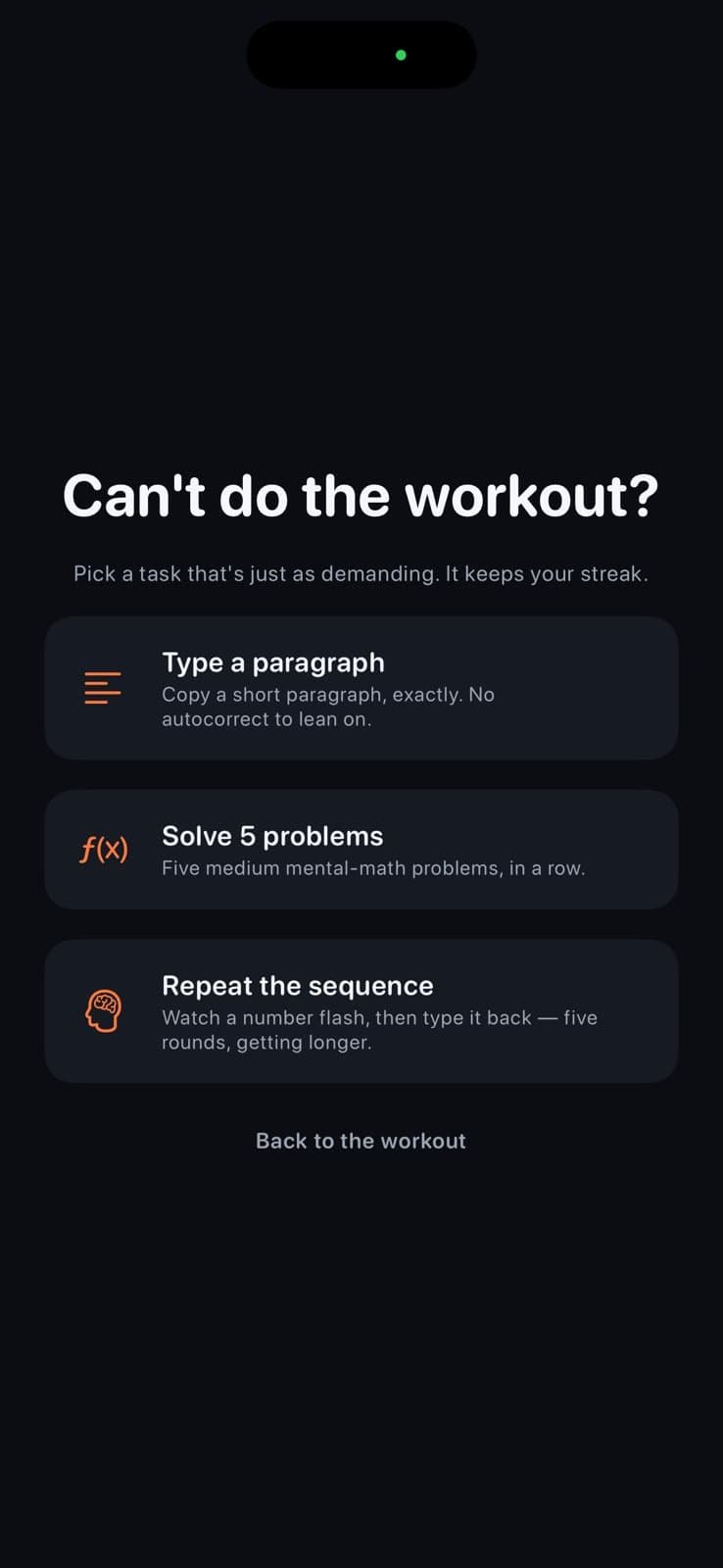
Tap “Can't do push-ups?” on the mission screen and pick a non-physical one instead: type out a paragraph, solve five mental-maths problems, or repeat a growing number sequence from memory. They are deliberately just as demanding — by the end of any of them you are awake, which was always the point. Your streak survives.
Does it work in a dark room?
The camera needs to see you, so you'll need some light on. Unsnoozable tells you plainly when it's too dark rather than silently failing to count. That's not a bad thing either: light is one of the fastest ways to shake off grogginess, so flicking on a lamp is part of waking up properly. If you can't turn one on, switch to a mission that doesn't need the camera.
Does my video go anywhere?
Never. Rep counting happens entirely on your iPhone. Frames are analysed and discarded — nothing is written to disk, nothing is uploaded, and there is no server that could leak it.
What if there's a real emergency?
Hold the emergency stop for ten seconds and enter your recovery code — the one you saved when you set the app up. That's twice a month. And if you can't find the code, the alarm still gives up after three minutes. You are never trapped, whatever happens.
What does it cost?
Your first morning is free — set an alarm, let it ring, do the mission, and see for yourself that it counts you properly before paying for anything. After that it's a subscription, with a free trial. Exact pricing will be shown in the App Store at launch, and you can cancel any time in Settings.
Which iPhones does it work on?
Unsnoozable needs iOS 26 or later, which is where Apple first let apps create real system alarms. Older versions cannot ring reliably, and we would rather not ship an alarm we don't trust.
Tomorrow morning starts tonight.
Set one alarm. Find out what you're like when you don't get to argue with it.
Got feedback, or spotted a bug? feedback@unsnoozable.com